Disclaimer
This modification requires a fair amount of time and effort. I take no responsibility for any damages or possible injuries that may occur.
You will void the warranty on your device.
You will no longer have access to the manual reset button located at the bottom of the unit with this design.
When disassembling the original unit, you will need to cut the Bluetooth antenna wires, as Ubiquiti has glued the connectors to the motherboard. In my own case, I have not noticed any difference in adoption or other functionality, even without the antennas.
The power components can hold charge. Be extra careful not to touch them during disassembly or reassembly.
Design overview
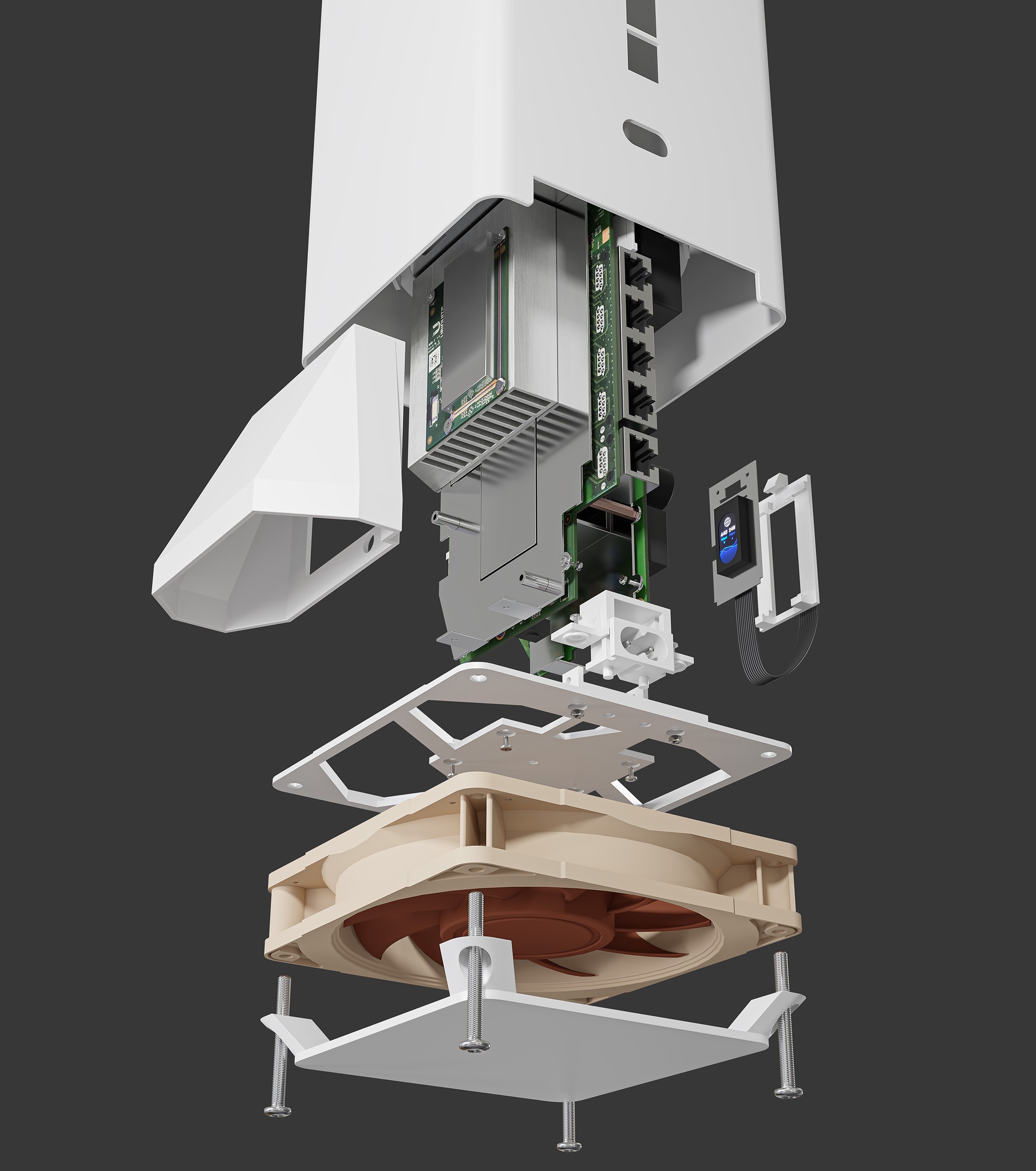
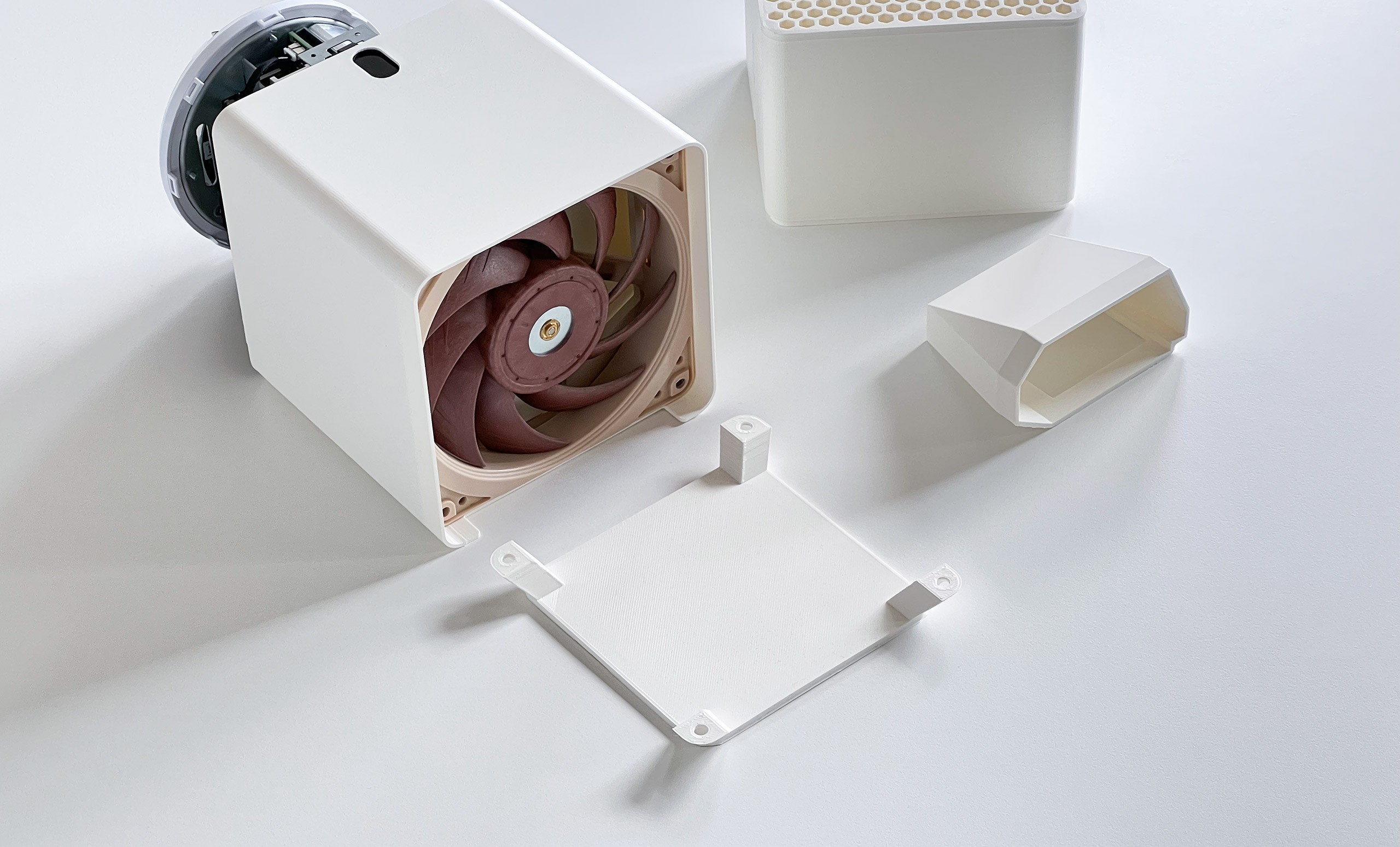
The design is extremely silent, and I have been running the unit since 2022 without any issues. Operating temperatures stay around 34–38 °C with the fan spinning at just 670 RPM. This setup also cools other components, including the power circuitry. I have not observed any decrease in Wi-Fi antenna performance compared to the original casing.
Printable parts
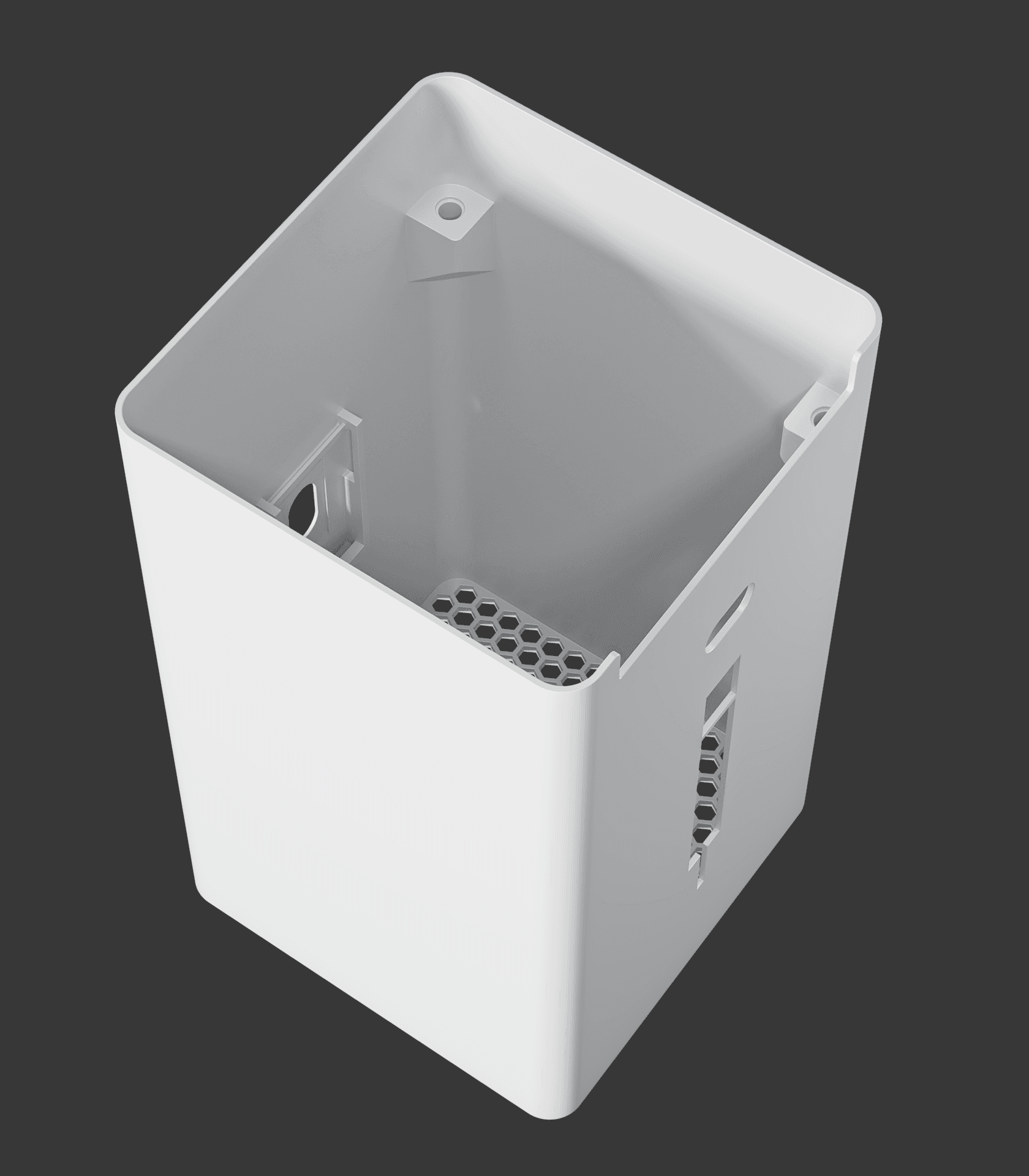
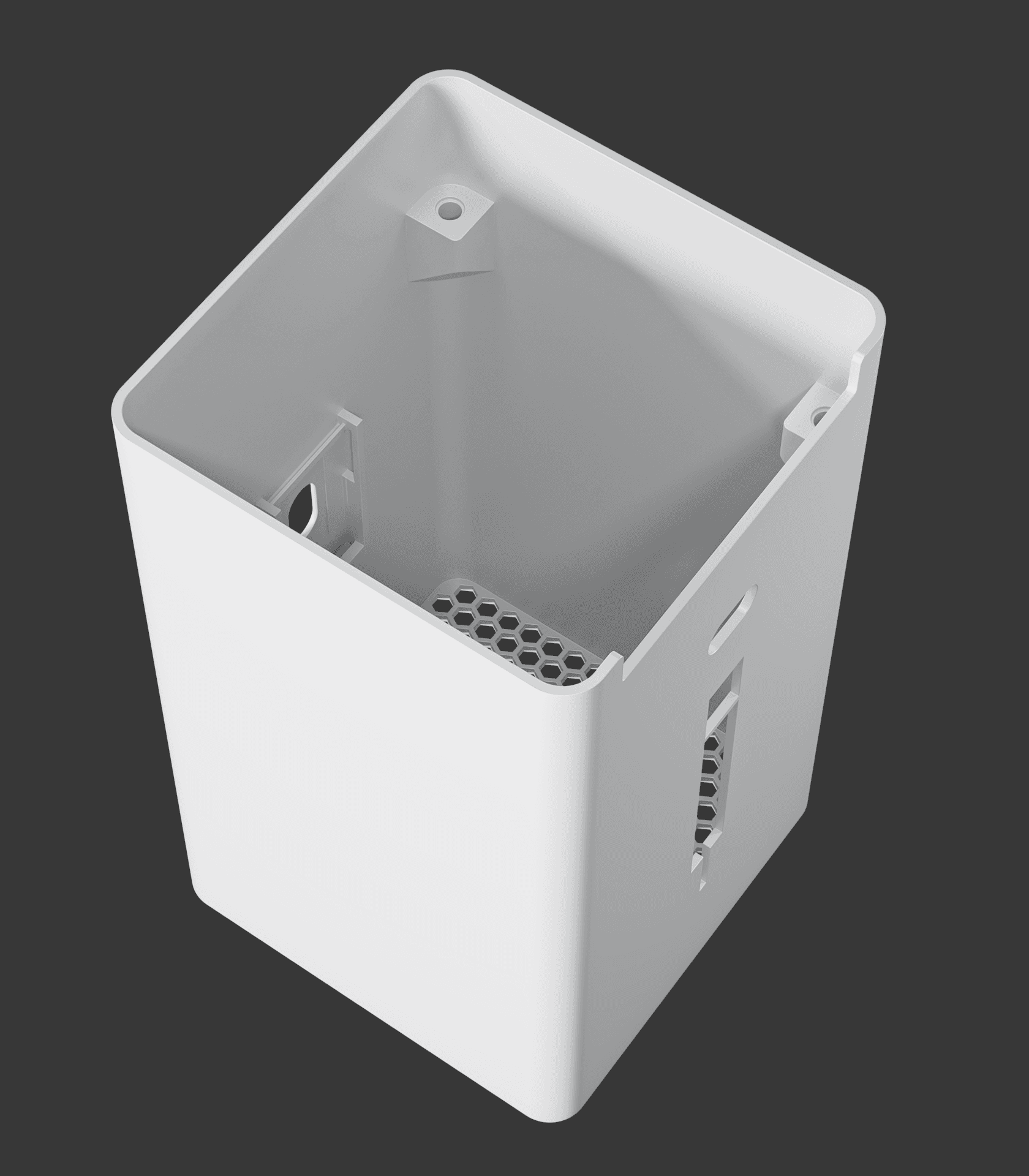
* All models should print without supports
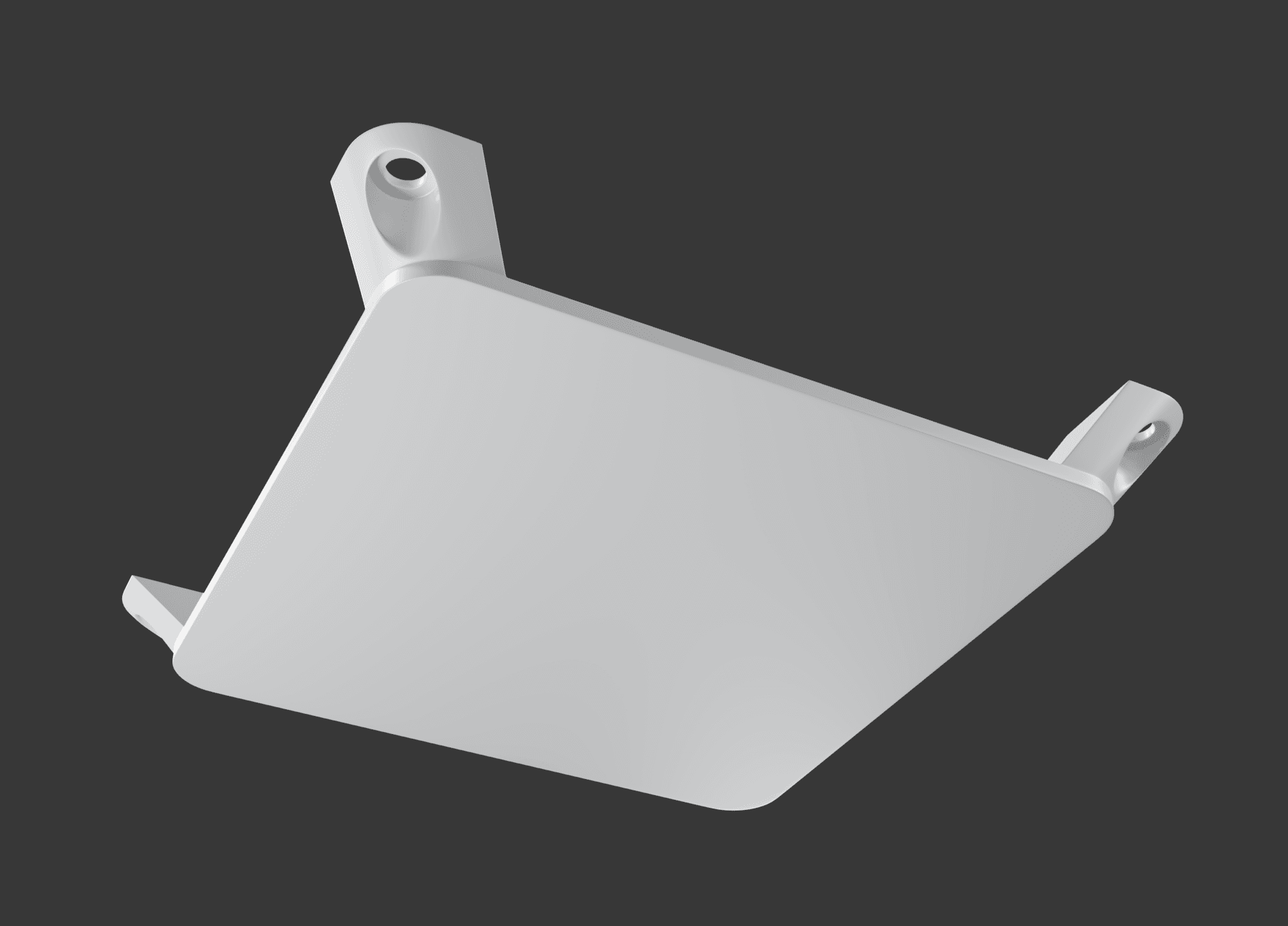
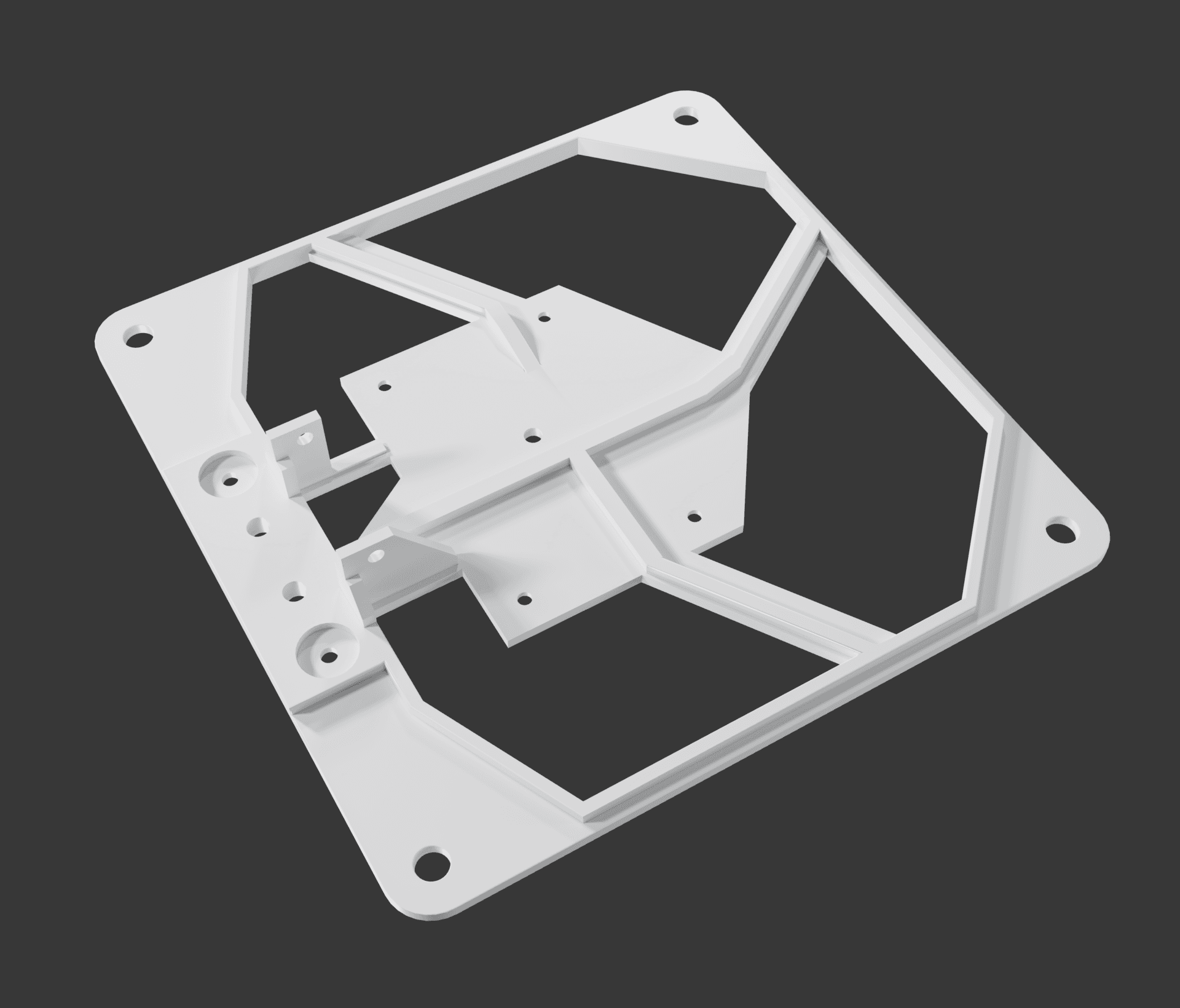
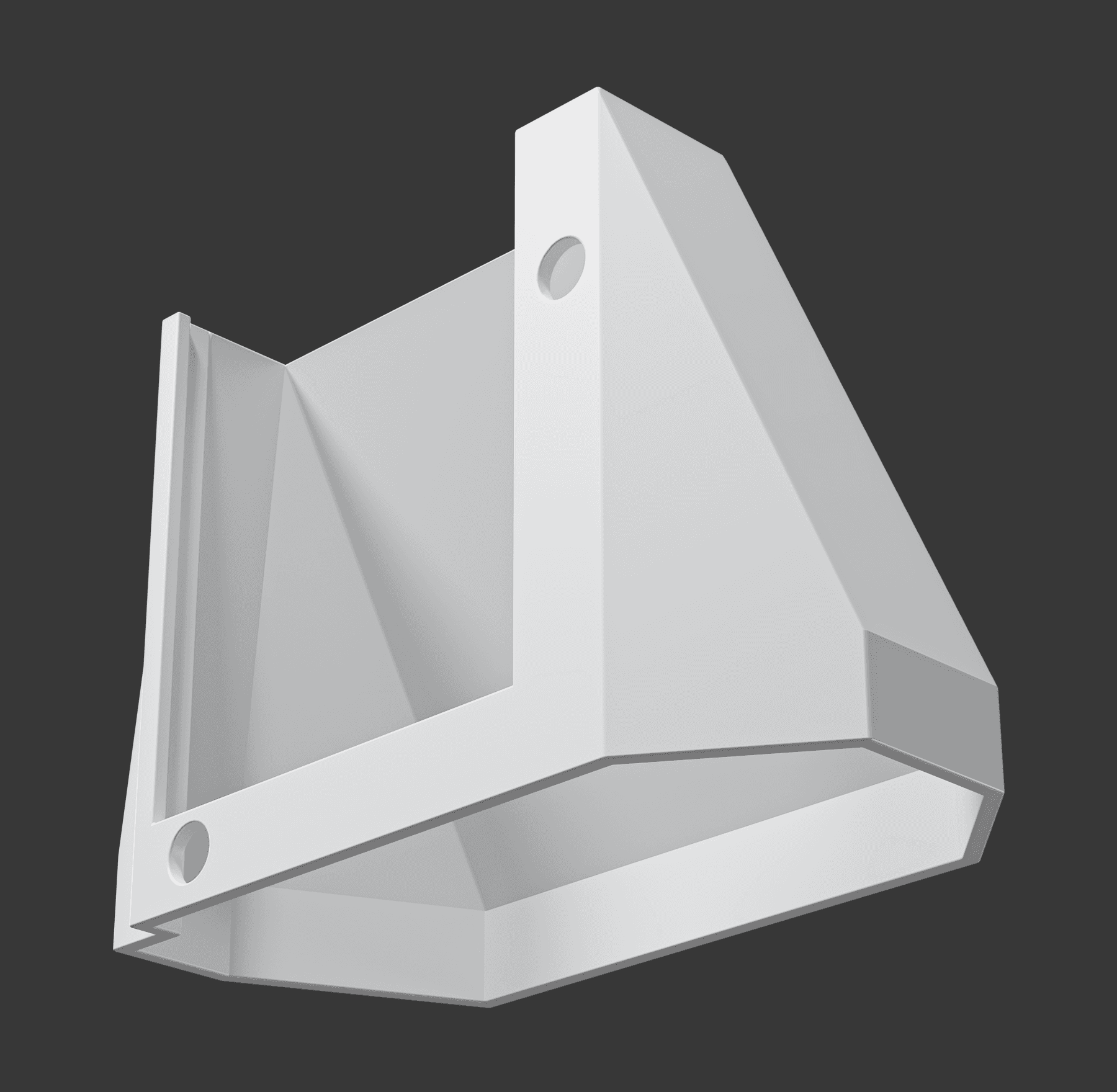
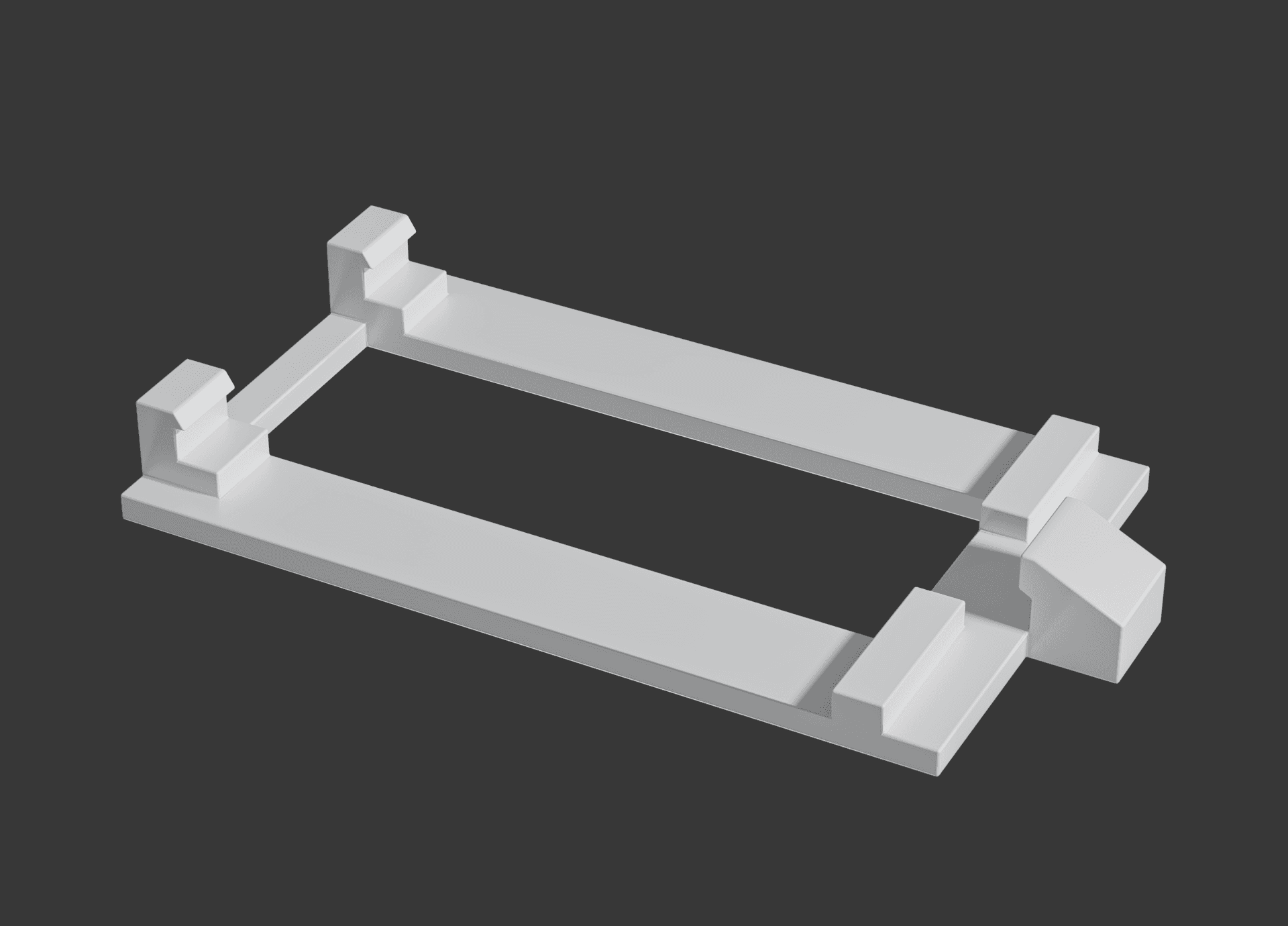
Other needed parts
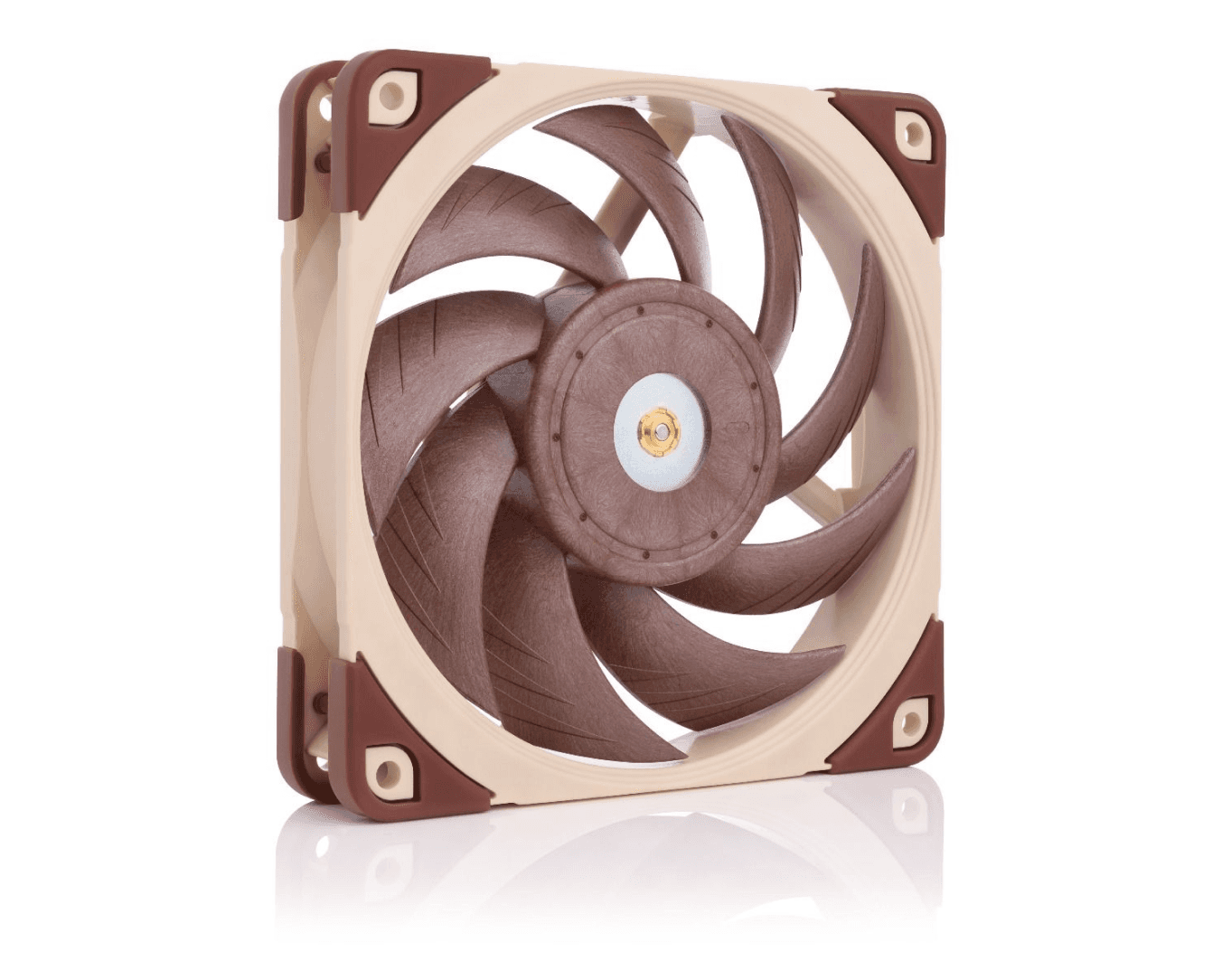
Noctua NF-A12x25 PWM
The case rounding is designed specifically for this Noctua fan, and other fans may not fit without modifications.
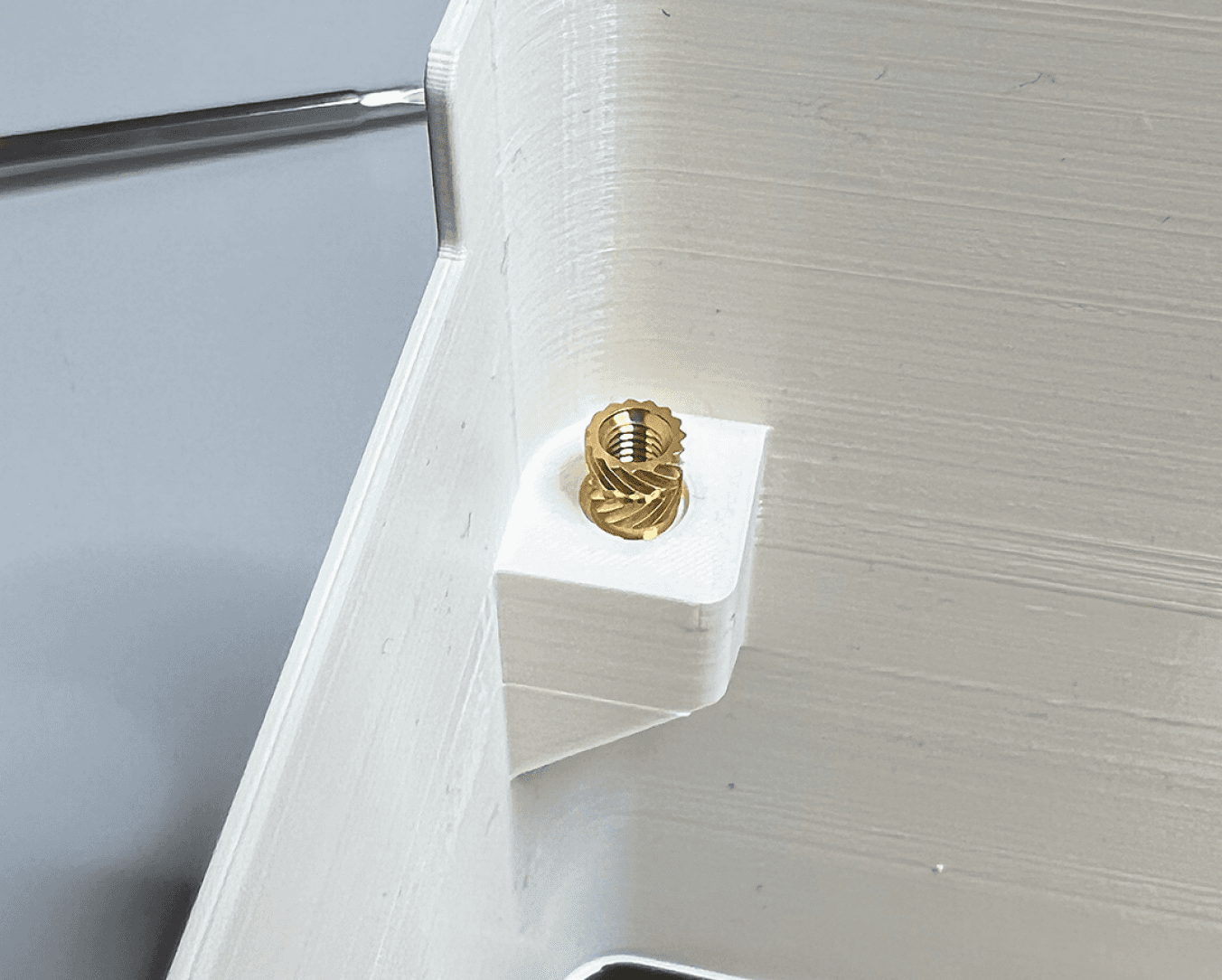
Four threaded inserts
You’ll need threaded inserts to be heat pressed to the premade holes in the case. I used the Ruthex inserts in M4 size.
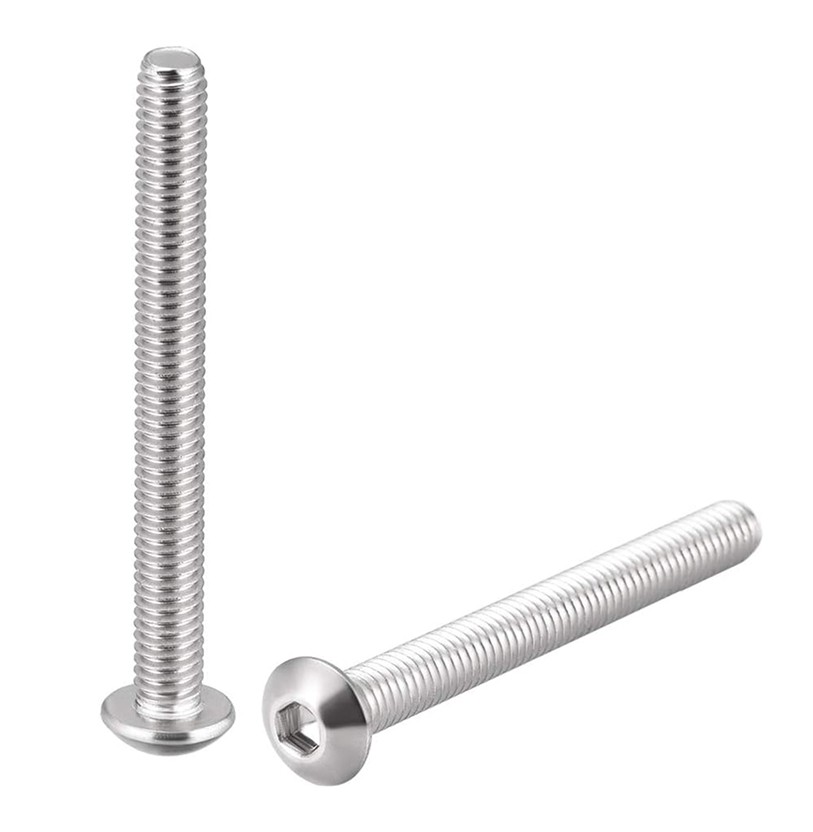
Four M4 x 40mm bolts
Matching bolts are needed for the chosen inserts. M4 × 40 is a standard metric screw size, readily available in Europe.
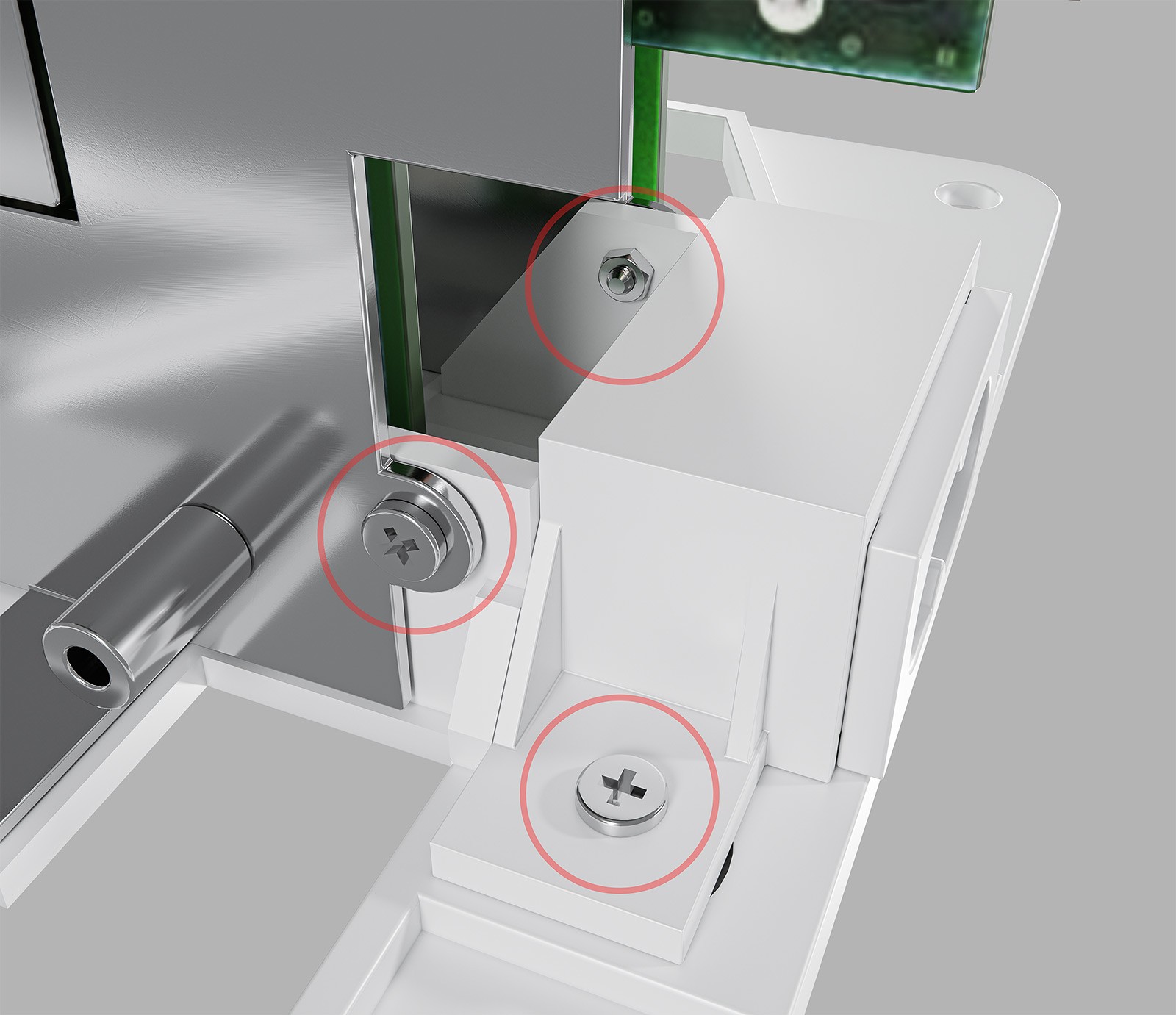
Small bolts and nuts
Small bolts and nuts are needed to secure the power connector bracket to the bottom brace and for securing the brace.
Cooling fan adapter cable
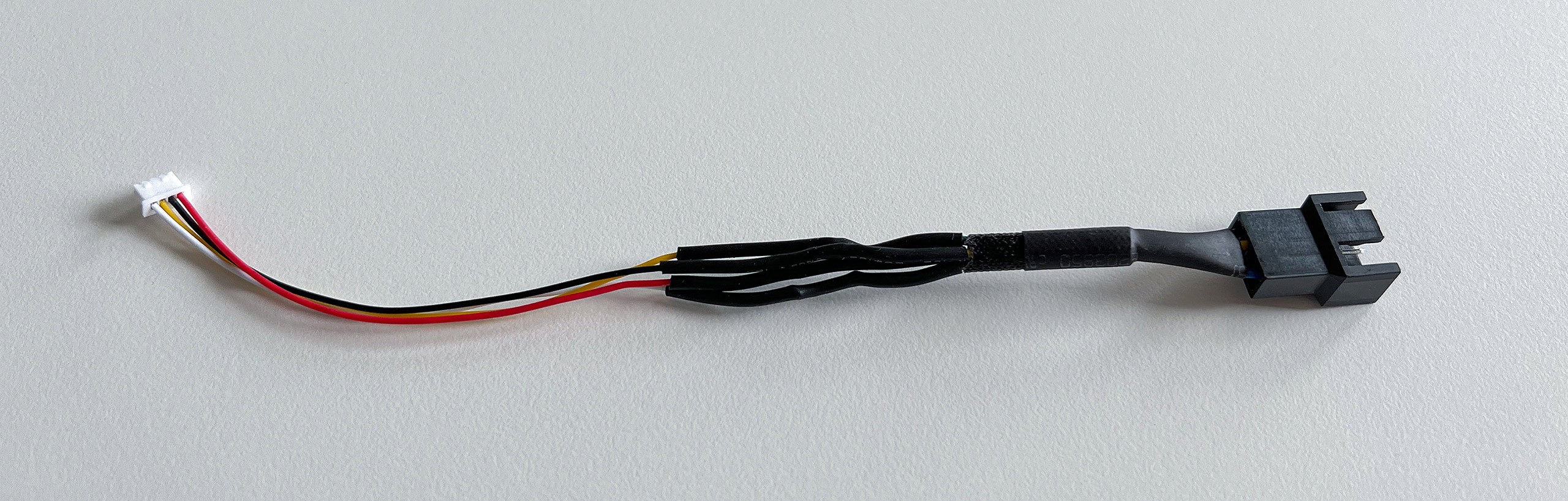
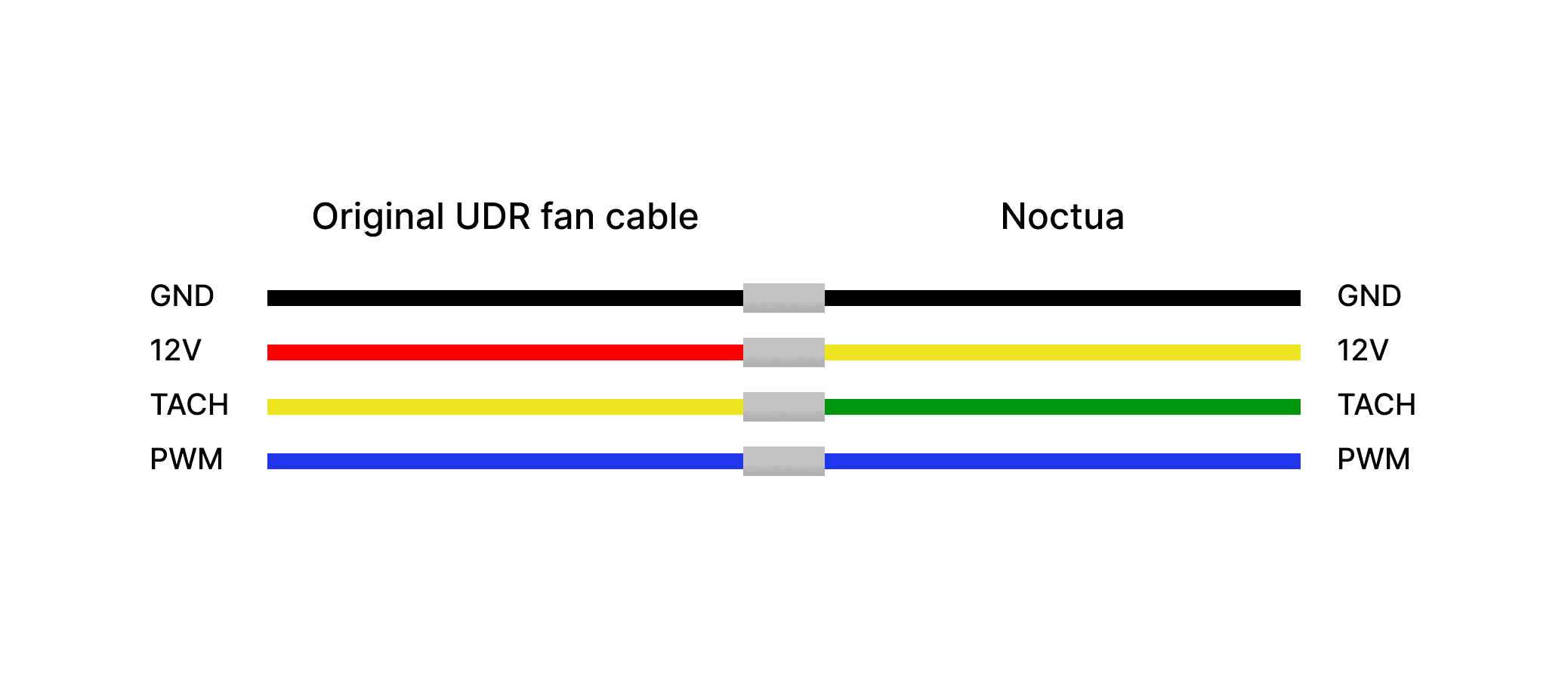
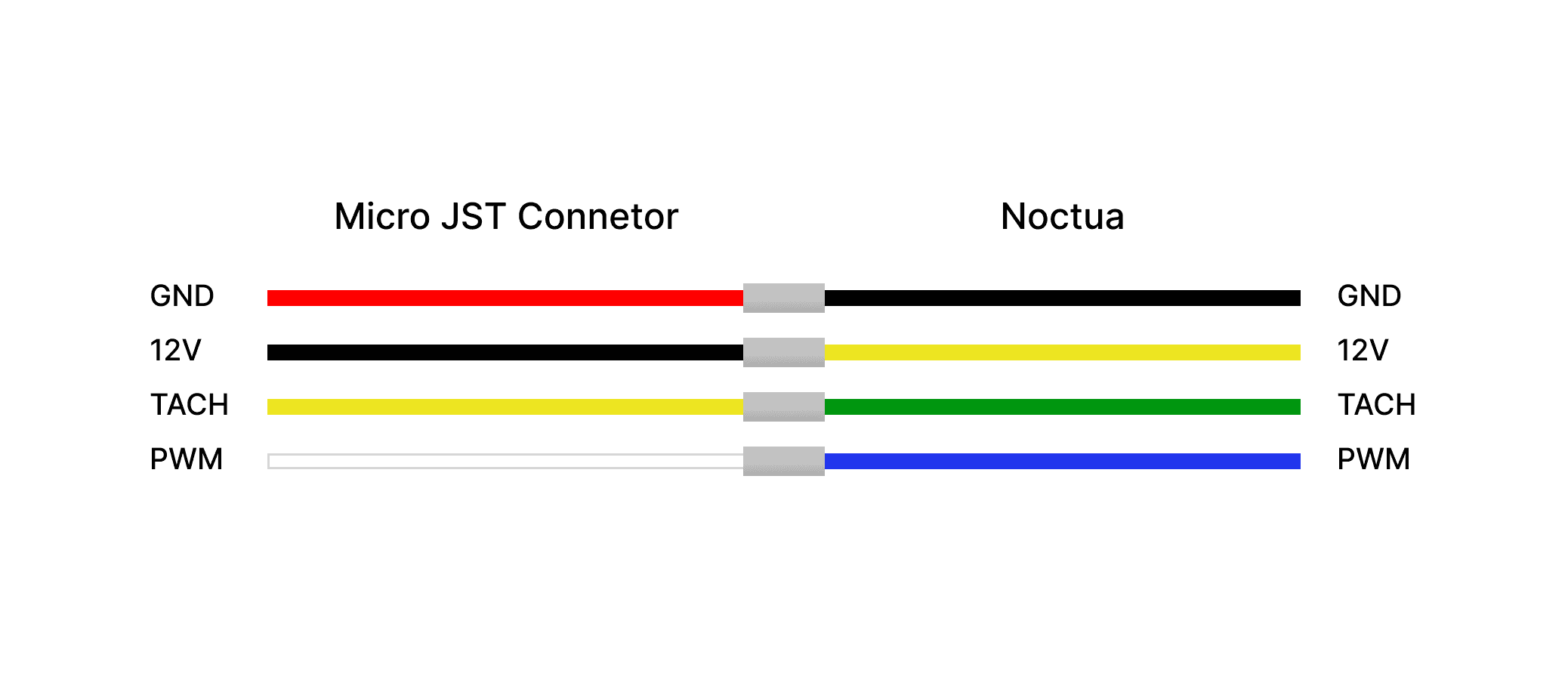
Note that the original fan uses a 4-pin Molex 1.25 mm Picoblade connector. To install a Noctua fan in the UDR, you will either need to use a Micro JST connector or repurpose the original UDR fan cable by cutting it. In my case, I built an adapter cable by purchasing a set of 4-pin Picoblade connectors with wires from Amazon and soldering them to a Noctua 4-pin PWM extension cable. Some cable length is useful for plugging in from the bottom, but any excess will need to be tucked inside the case, so it doesn’t need to be unnecessarily long.
Wiring guide when using the cable from the original UDR fan
Wiring guide when using the Micro JST Connector from Amazon
Disassembly notes
It has been a few years since I disassembled my UDR, so this guide is not fully comprehensive and might be incorrect at parts. You may want to look for a more in-depth guide or a video of someone taking the UDR apart for additional reference. In my guide, I’m trying to dismantle the unit as neatly as possible, but you can do it more violently as well by checking out this or this post.
1
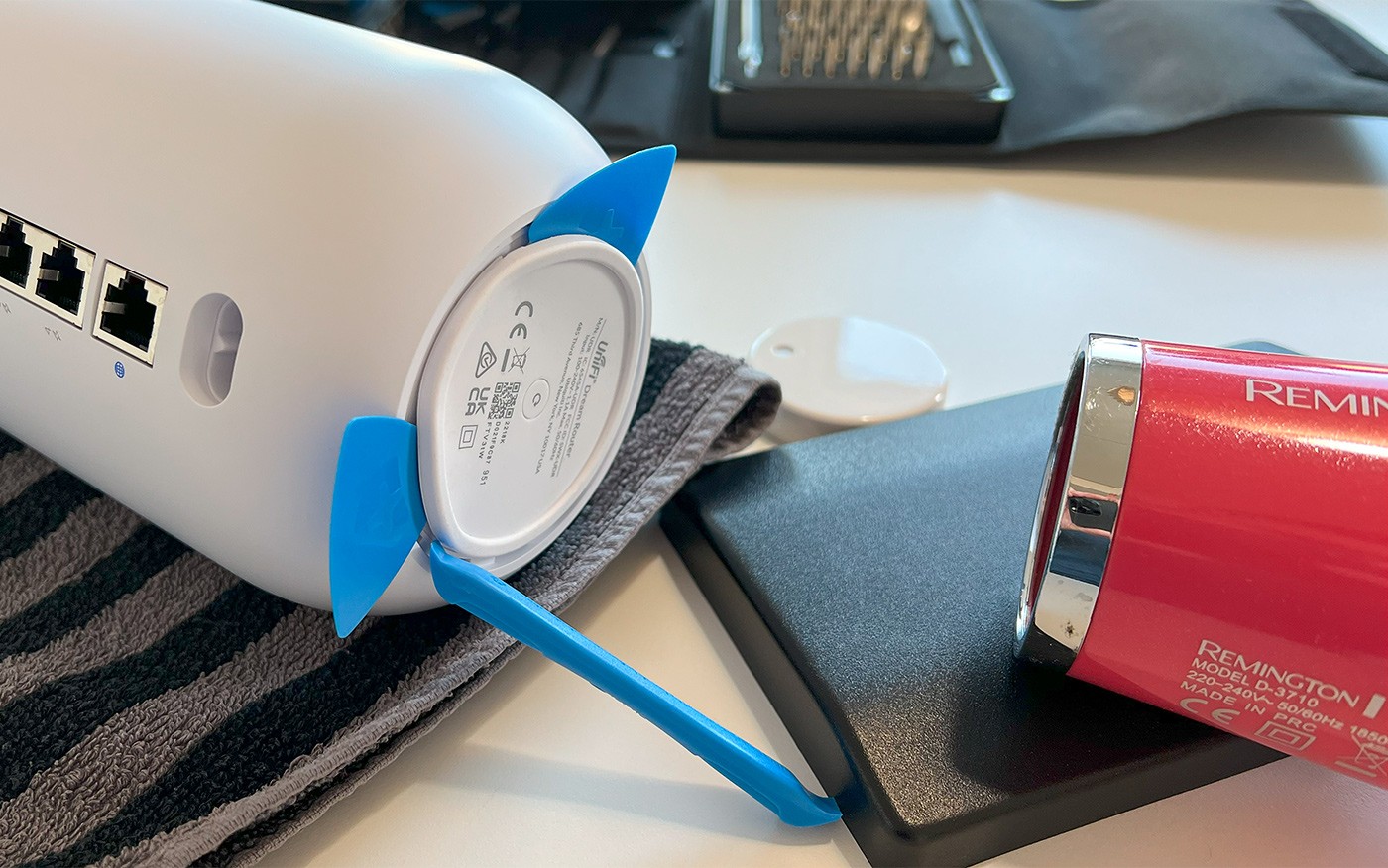
Remove the bottom rubber stand by heating it an prying it open. You can attach it to a piece of plastic to keep the adhesive from collecting dust.
2
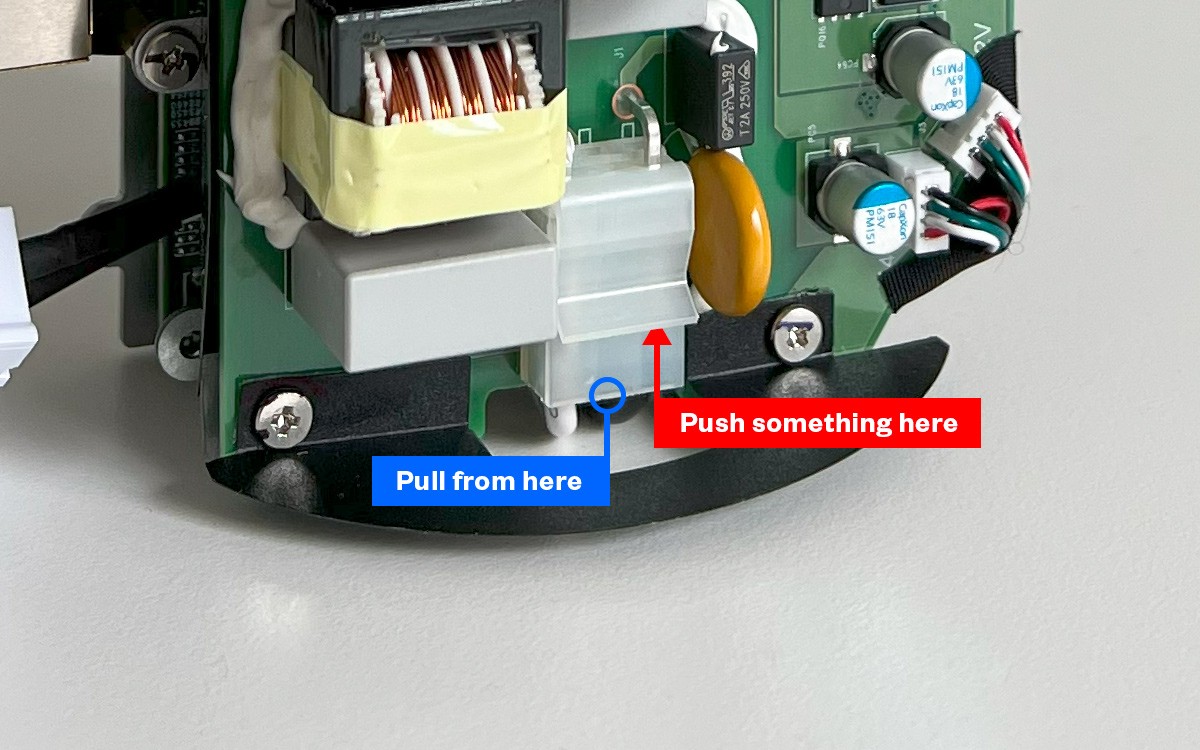
Unplug the power port cable through the hole in the bottom. The picture hopefully shows the connector bit better. I used a small flat head screwdriver to wedge the clip while pulling the connector with padded pliers.
3
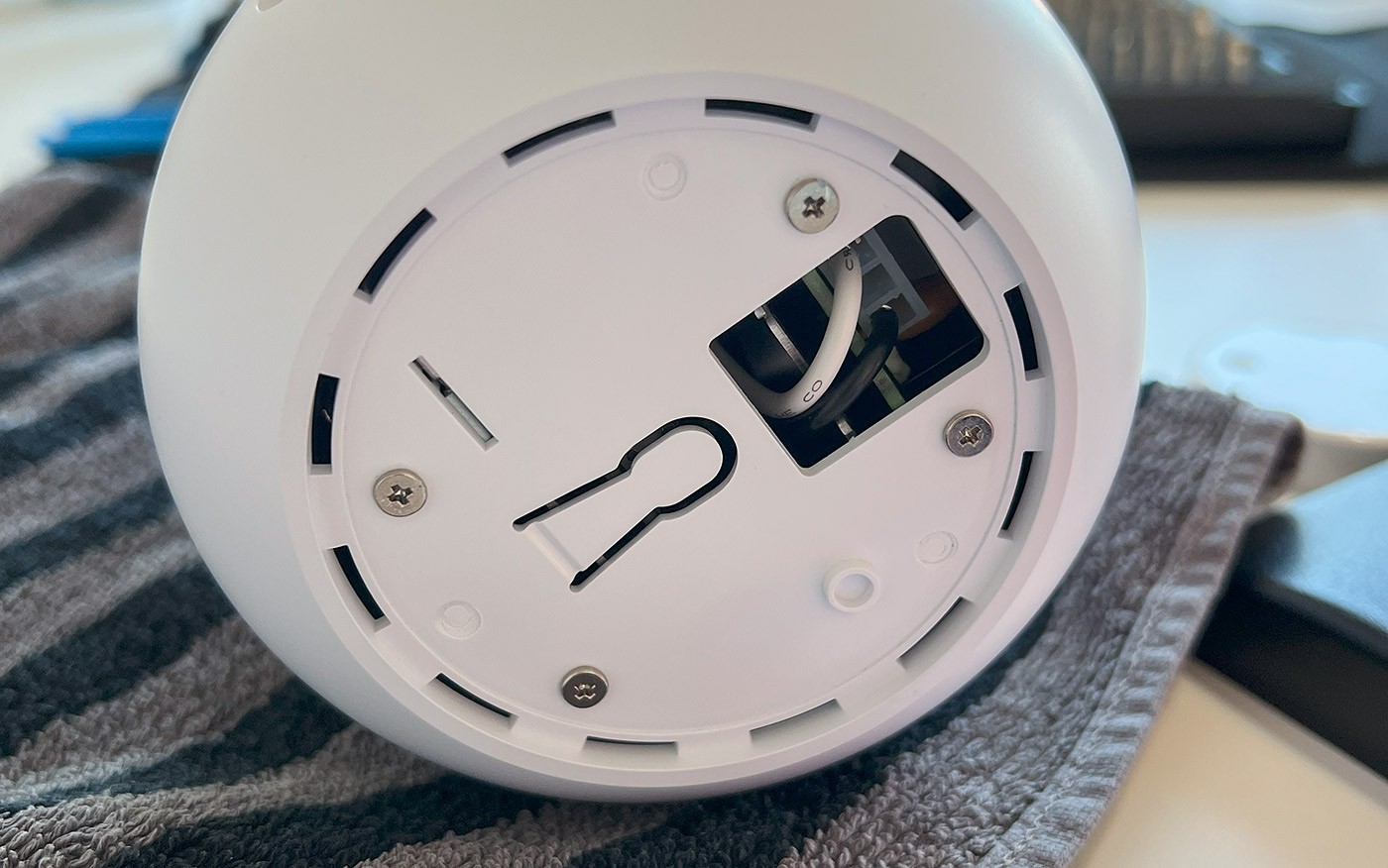
After you have disconnected the power plug, remove the four bottom screws.
4
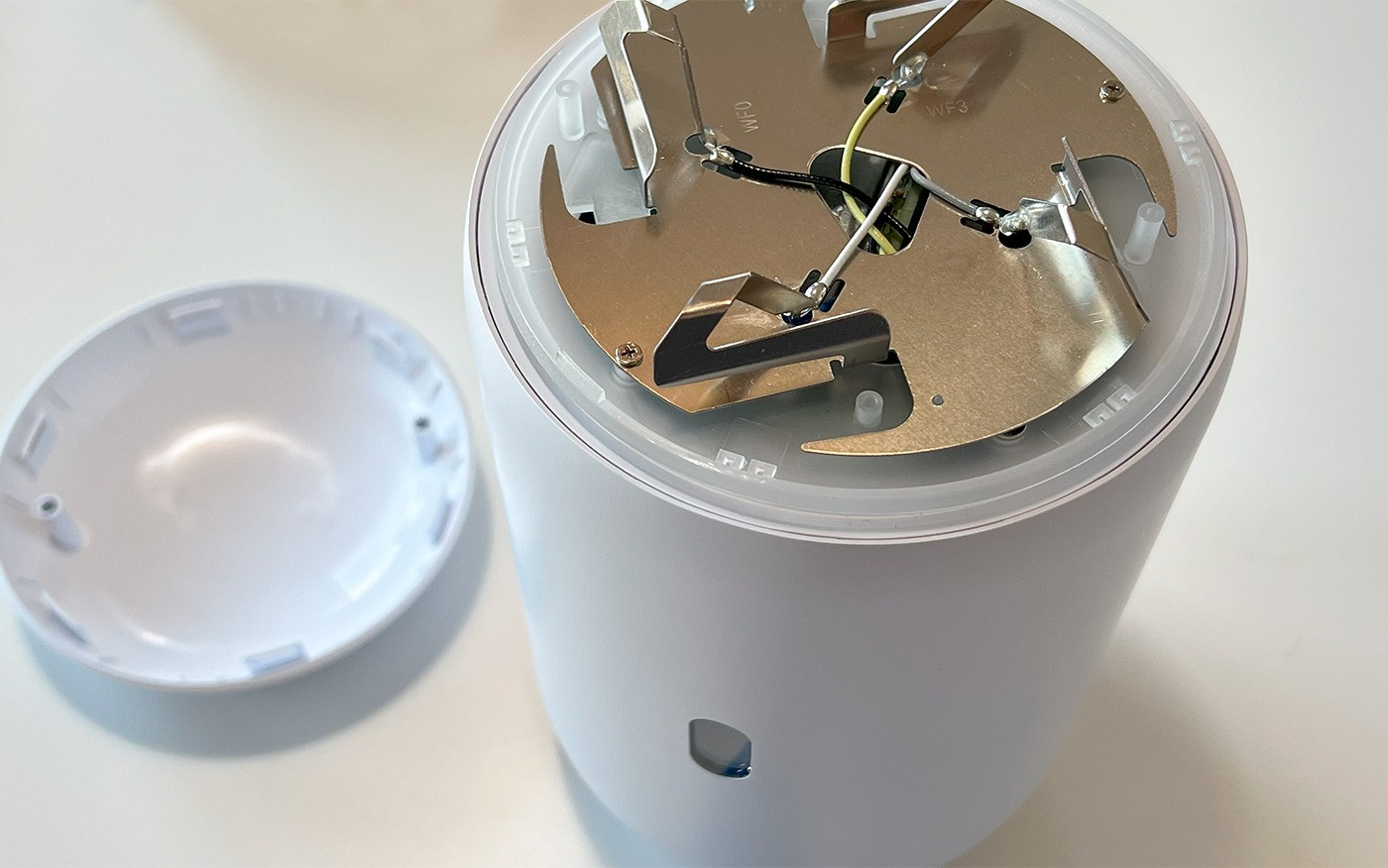
Remove the top plastic hat by carefully prying it open from the six clips. No need to remove any screws here or dismantle the top further.
5
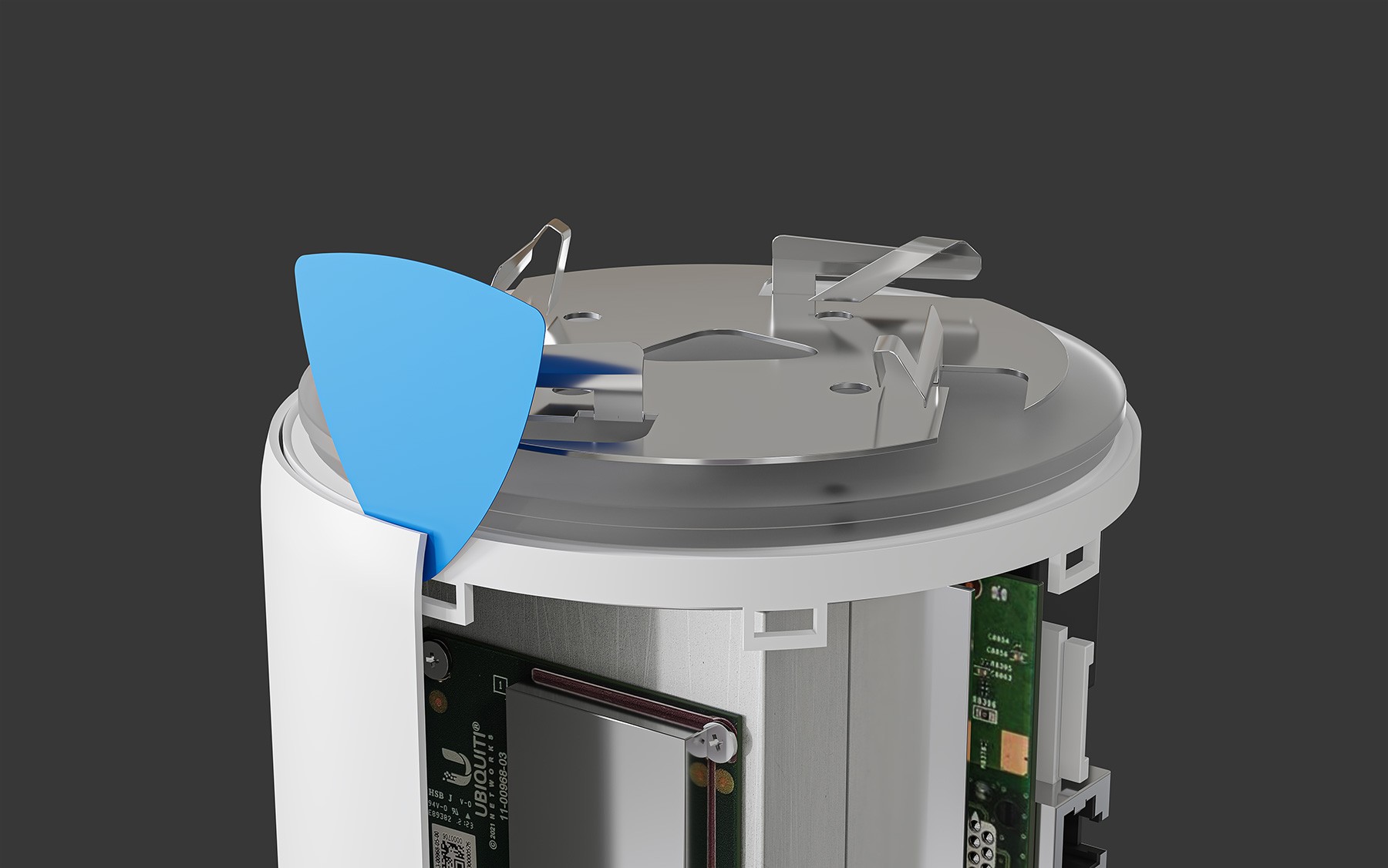
This is the most difficult part: carefully pry open the eight latches and begin to lift the unit partially out of the case. I used the plastic prying tools from my iFixit kit and wedged a few in place to keep the clips from snapping back to the case clip holders.
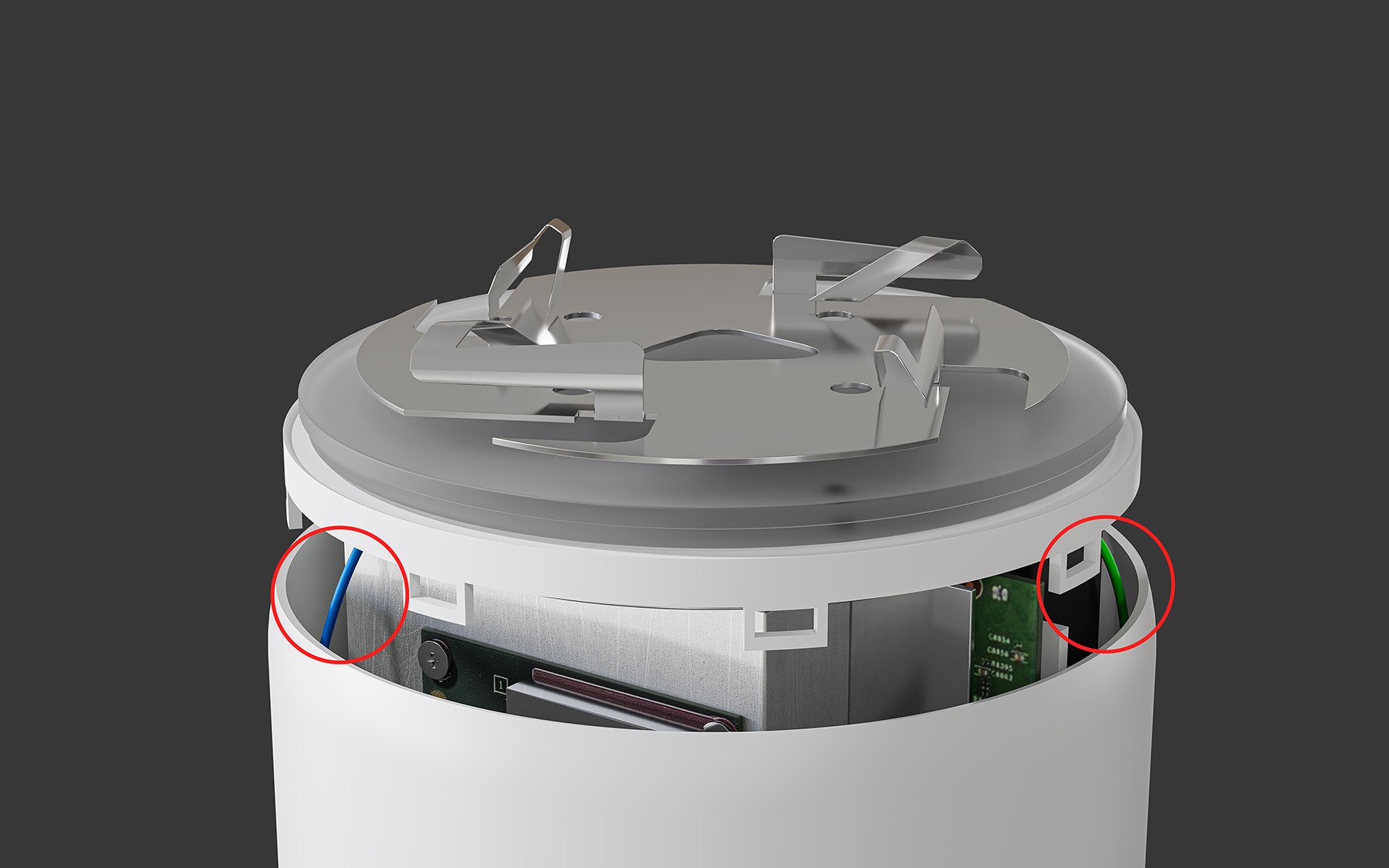
6
You’ll notice the green and blue Bluetooth antenna cables need to be removed. Since the connectors are hot-glued to the board and cannot be disconnected intact, I recommend simply cutting the cables. You can always add new connectors later if you want to return the UDR to its original case.
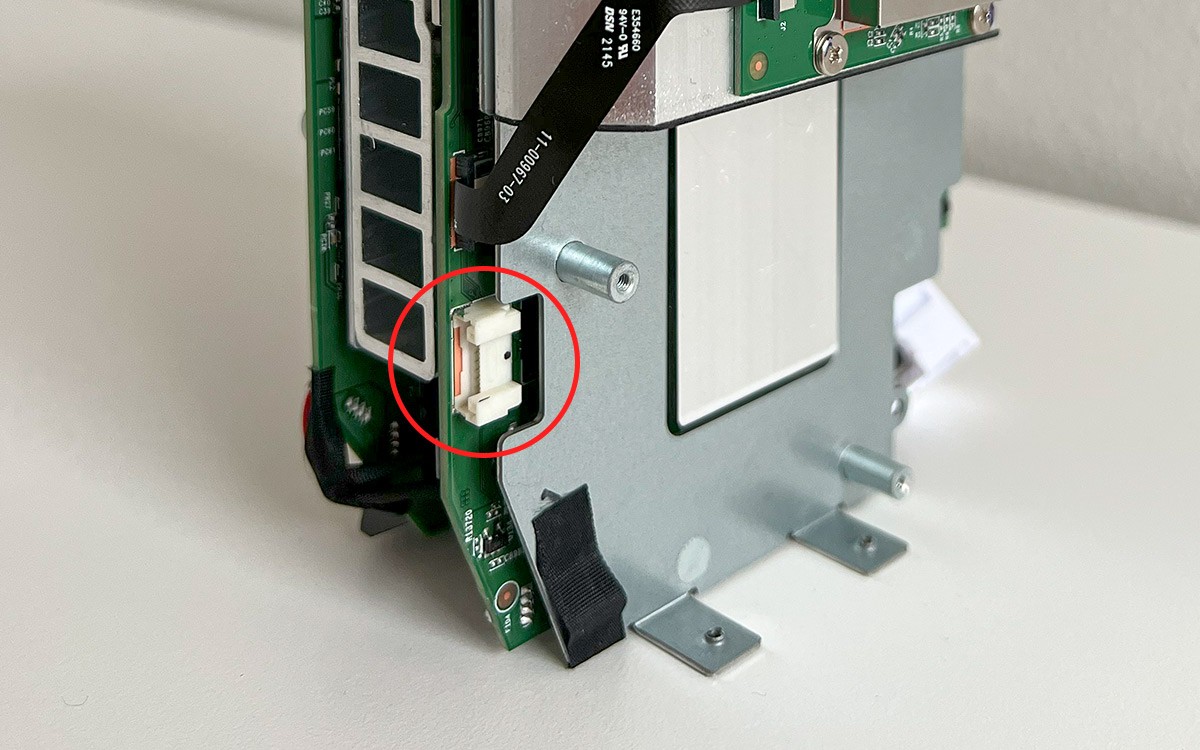
7
Now continue lifting the unit until you can disconnect the display cable, and only then remove the unit completely from the case.
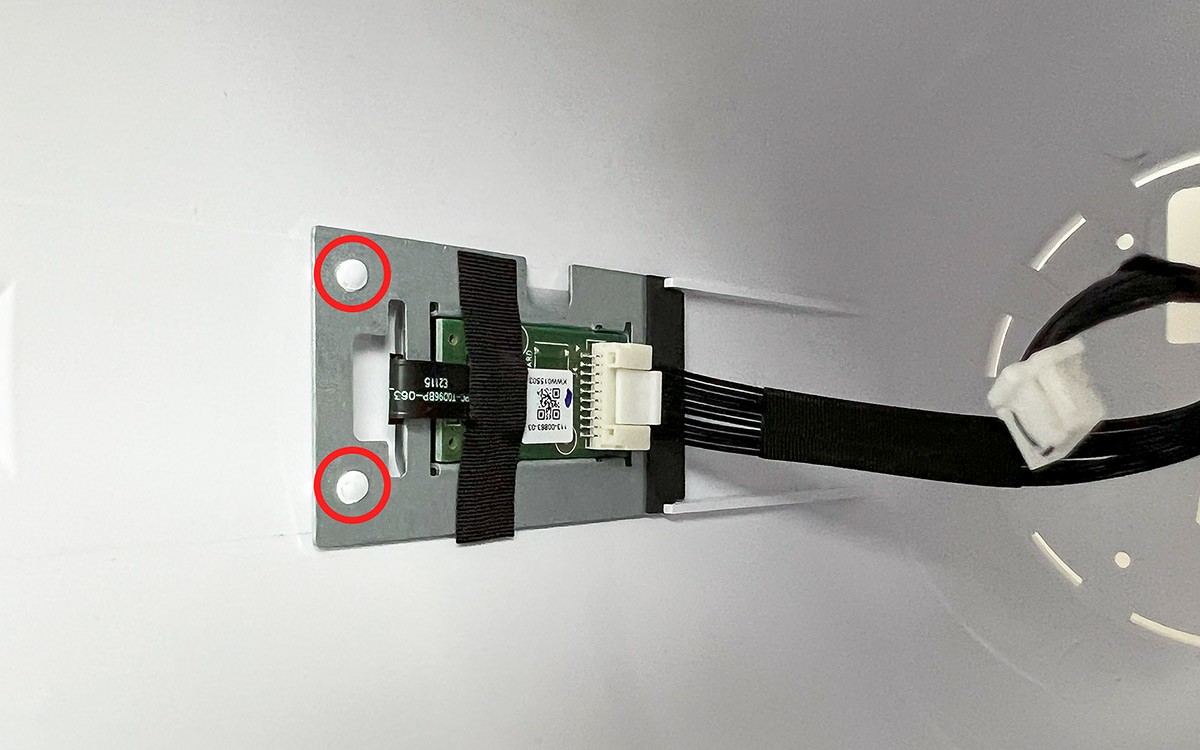
8
To disconnect the screen, you need to scratch the two clips to unclip it from the case.
Assembly notes
The assembly part should be pretty self explanatory once you have the files 3D printed. There are however few tips I’d like to share.

These designs took a lot of time and effort to create. Please consider supporting the project!
If you run into problems with the current design, contact me and I’ll try to assist. Feel free to suggest edits or changes, and I will do my best to update the designs.
All designs are my own; redistribution or resale of any models is prohibited.